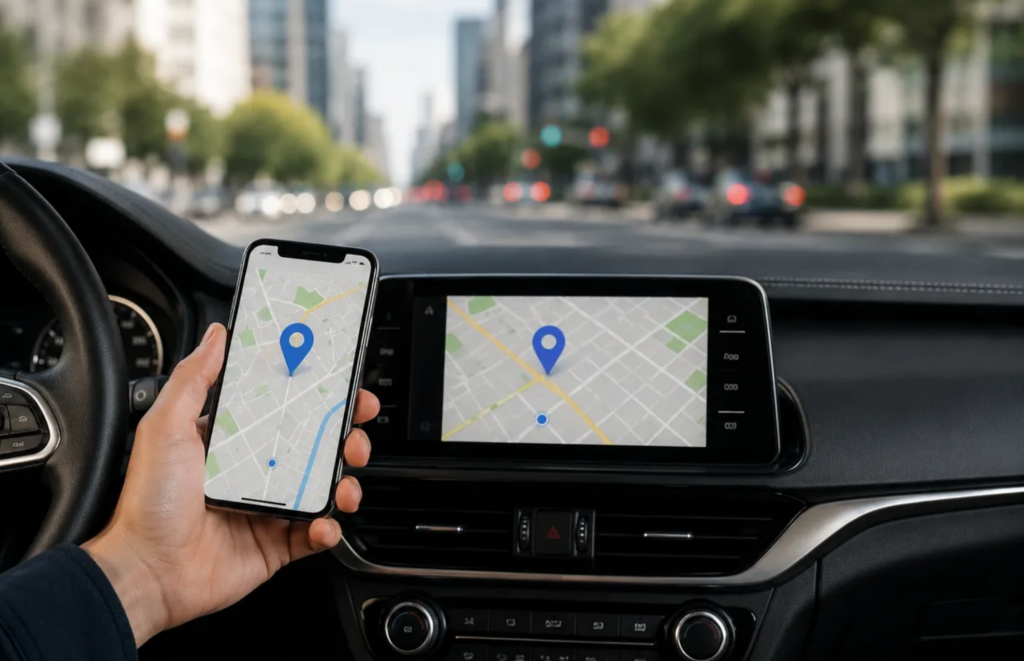
Nearly every modern customer journey now starts on a smartphone — and increasingly, it starts in the car.
According to Apple, 98% of new vehicles sold in the U.S. now support Apple CarPlay. Apple also says CarPlay is available in over 800 vehicle models across major manufacturers. (Kbb.com)
That means millions of people are searching for businesses through Apple Maps every single day while driving, asking Siri for directions, looking for restaurants nearby, or searching for local services from their dashboard screen.
If your business information is outdated — or worse, unclaimed — you may be losing customers before they ever visit your website.
And many business owners don’t even realize it.
What Is Apple Business?
This platform allows business owners to manage how their business appears across Apple Maps, Siri, Wallet, Messages, and other Apple services.
When someone searches for your company on an iPhone or through CarPlay, they’re typically seeing your Apple Maps “place card.”
That place card can display:
-
Business hours
-
Phone number
-
Website
-
Directions
-
Photos
-
Branding
-
Promotions and updates
In many cases, this information becomes a customer’s first impression of your business.
Why Claiming Your Profile Matters
A surprising number of businesses have never checked their Apple Maps listing.
Apple may pull information from third-party sources, but that data is not always accurate or updated.
That can lead to:
-
Incorrect hours
-
Old phone numbers
-
Duplicate listings
-
Wrong map pins
-
Outdated branding
Those issues create friction immediately — especially when someone is already on the way to your business.
And because Apple users tend to be highly engaged mobile users, small inaccuracies can directly impact calls, visits, and conversions.
Claiming your Apple Business profile gives you direct control over the information customers see.
How to Claim Your Apple Business Profile
The process itself is fairly simple.
From there, you can:
-
Search for your business
-
Claim the listing
-
Verify ownership
-
Update your place card information
Some businesses are verified instantly, while others may require additional documentation or manual review from Apple.
Once approved, you’ll be able to manage your information anytime and keep everything accurate across Apple’s ecosystem.
Where Businesses Usually Get Stuck
The biggest challenges usually happen after setup.
Verification issues, duplicate listings, incorrect locations, multi-location management, and syncing problems are all common — especially for businesses that have moved, rebranded, or expanded.
That’s where working with a digital marketing partner can make a major difference.
At The DFM Agency, we help businesses build and maintain accurate digital listings across Apple, Google, Bing, and social platforms so customers always find the right information at the right time.
Having trouble claiming your listings? Subscribe now.